Quick home-screen access
Open the shop with one tap without searching for the address.


 Kuşadası Çiçek on your home screen
Discover flowers prepared with care in Kuşadası and reach order tracking quickly from your home screen.

App benefits
Open the shop with one tap without searching for the address.
Browse the current catalogue and popular arrangements with ease.
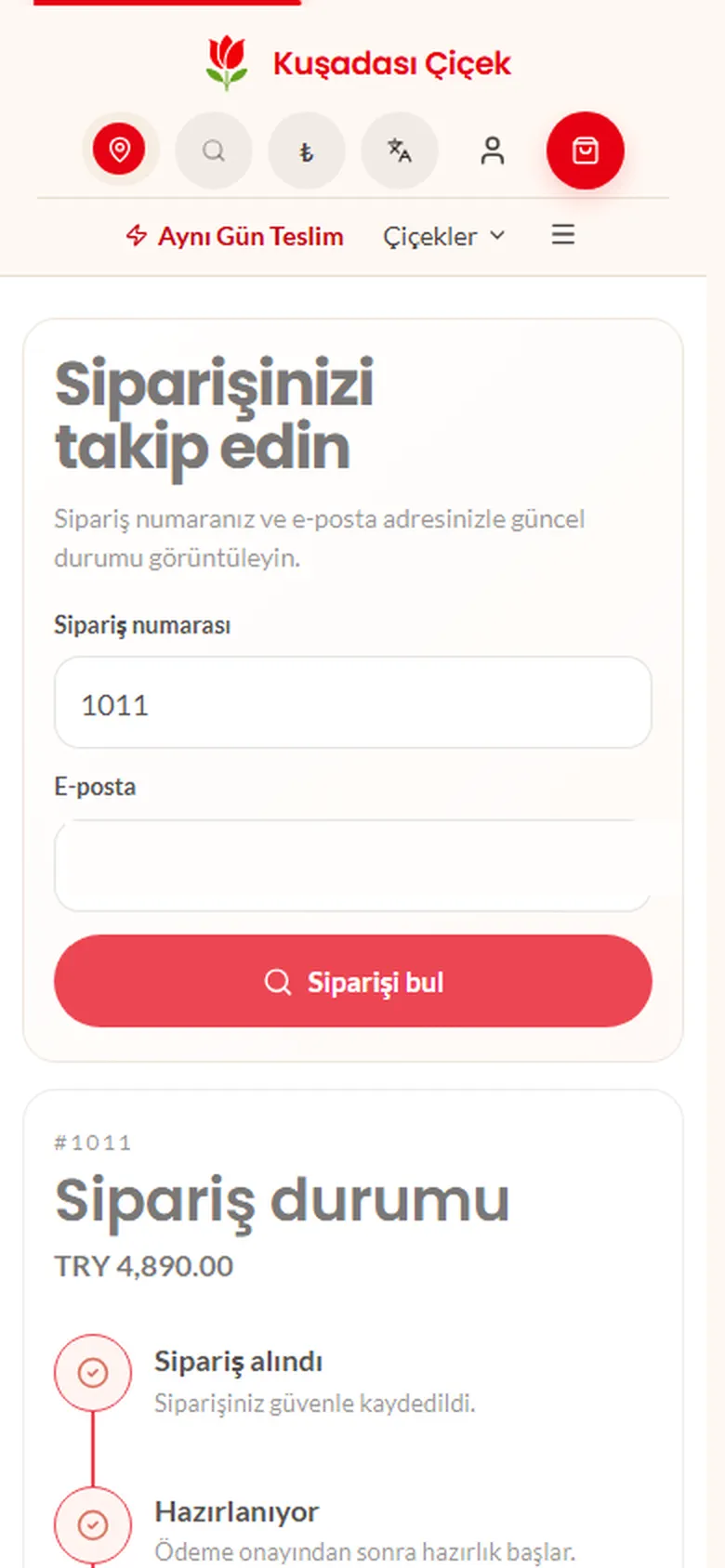
Reach order tracking whenever you need an update.
Add it to your phone or computer
The shop installs safely from your browser; no app store or payment is needed.
In Safari, select Share and then Add to Home Screen.
Use the install button or choose Install app from your browser menu.
Use the install icon in the Chrome or Edge address bar.
Frequently asked questions
Select Install the app and follow your browser’s steps. On iPhone, open Share and choose Add to Home Screen.
No. You can add the Kuşadası Çiçek app to your home screen for free.
Yes. You can remove it at any time just like any other app on your phone or computer.
Add it to your home screen for free whenever you are ready.